A Dashboard for Technitium's Blocked Services
Table of Contents
A small Docker sidecar that pulls AdGuard's blocked-service definitions from GitHub, gives me per-VLAN on/off switches, and publishes the plain-text blocklists Technitium Advanced Blocking reads. Part 3 of 3 in Replacing AdGuard Home with Technitium DNS. In Part 1 I converted AdGuard's blocked services into plain text blocklists and served them from nginx. It worked, but I had quietly turned a feature into a chore. AdGuard's "block Snapchat" switch kept itself up to date; my text files would go stale the day Snapchat added a domain. I missed the switches too. Changing what the kids' iPads can reach shouldn't mean editing a 748-line text file by hand. So I built a small sidecar container that brings both back. AdGuard publishes its blocked-service definitions in a public Git repository (HostlistsRegistry, The sidecar: Technitium still does the actual blocking. The dashboard only maintains the files that Advanced Blocking's It's a small Python (FastAPI) app in one container. I built it in a separate AI-assisted session, and it has a test suite for the parts that could hurt me. Press Sync from GitHub and the catalog loads: 142 services at the time of writing, grouped by category. Pick a profile, then search or filter and flip switches. I didn't want to re-tick 130 boxes by hand, so a seed script preloaded the switches from the audit I made during the AdGuard migration: 31 services for VLAN0, 31 for VLAN10, 38 for VLAN40 and 32 for the kids' iPads. It only sets switches; it never writes a list. Preview generated list compiles the selection and shows what would be published without writing anything. AdGuard rules can be much fancier than a hosts list. Technitium's list format can't express wildcards, exceptions or You can see the cost in the preview above: 10 rules were skipped for the kids' profile. That's the same gap I mentioned in Part 1, now visible instead of silent. The count is also two lower than the 748 domains I generated by hand in October, probably because AdGuard's catalog has changed since then. Publishing replaces a live file that my whole network's DNS depends on, so most of the code is about being careful: Once a profile is managed, the container re-syncs with GitHub every 24 hours and regenerates its list only if the rules actually changed. It sits next to the nginx list server from Part 1, on the same Docker network. No host port is published: The container runs as an unprivileged user with a read-only filesystem, so that user needs write access to the lists folder. Nginx Proxy Manager gives it its own HTTPS hostname. The dashboard has no login. I decided that's acceptable for a page that only edits text files, as long as it can't be reached from anywhere I don't control: If you can't restrict access that way, put real authentication in front of it. The screenshots come from a scratch copy running against throwaway files, not from my live lists. I think so. The thing I liked most about AdGuard was that switches kept themselves current and I never had to think about domains. Now that's true again, with the difference that I can see exactly what each switch compiles to before it goes live. Part 1 had one real regression compared with AdGuard: I'd traded switches for hand-edited lists. This puts the switches back. That is the end of the series. Previously: Making Technitium DNS Survive a Proxmox Host Failure The Idea
assets/services.json). Each service has an ID, a name, a category and a list of rules. That's exactly the data behind AdGuard's switches.git fetch of the official repo.vlan0, vlan10, vlan20, vlan30, vlan40 and kids-ipads).blockListUrls already point at, so nothing in Technitium changed. It never talks to Technitium and holds no DNS credentials. Using It
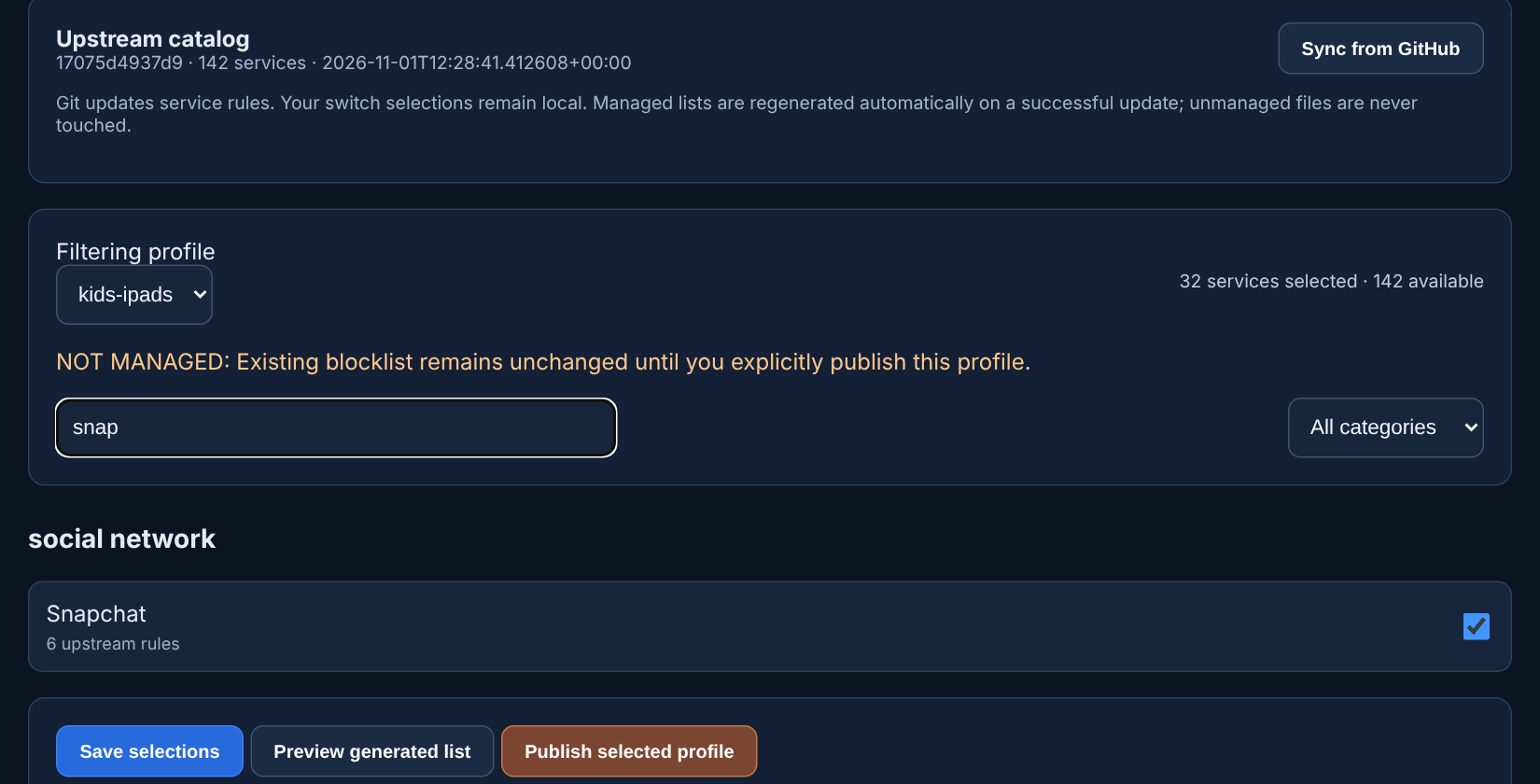 Searching the catalog. The orange line says this profile's existing list hasn't been touched yet
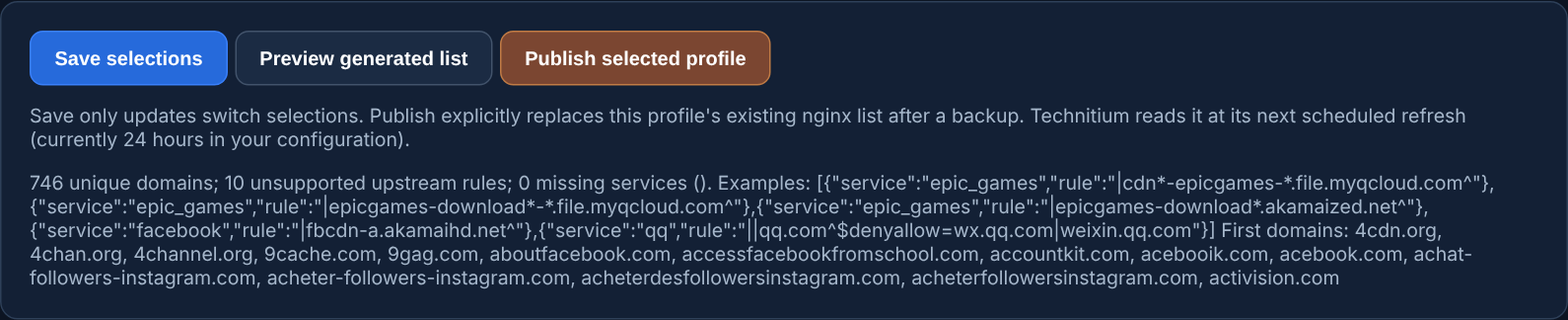 The preview: how many domains, and which upstream rules couldn't be converted
 Plain Domains Only
$denyallow, so the compiler is deliberately conservative:||domain^ rules become entries.@@) or denyallow rule is left out entirely, because dropping only the exception could block more than AdGuard would have. Publishing Without Breaking Anything
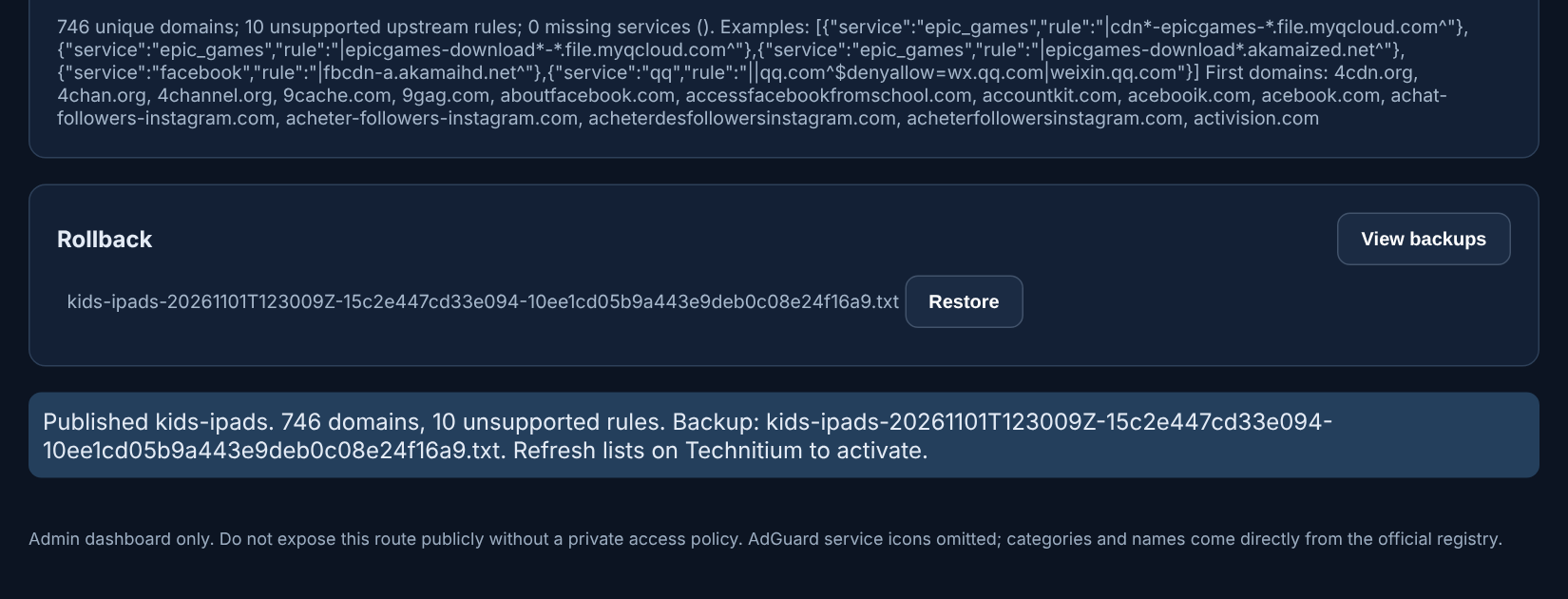 After publishing: a timestamped backup to restore, and a reminder to refresh Technitium
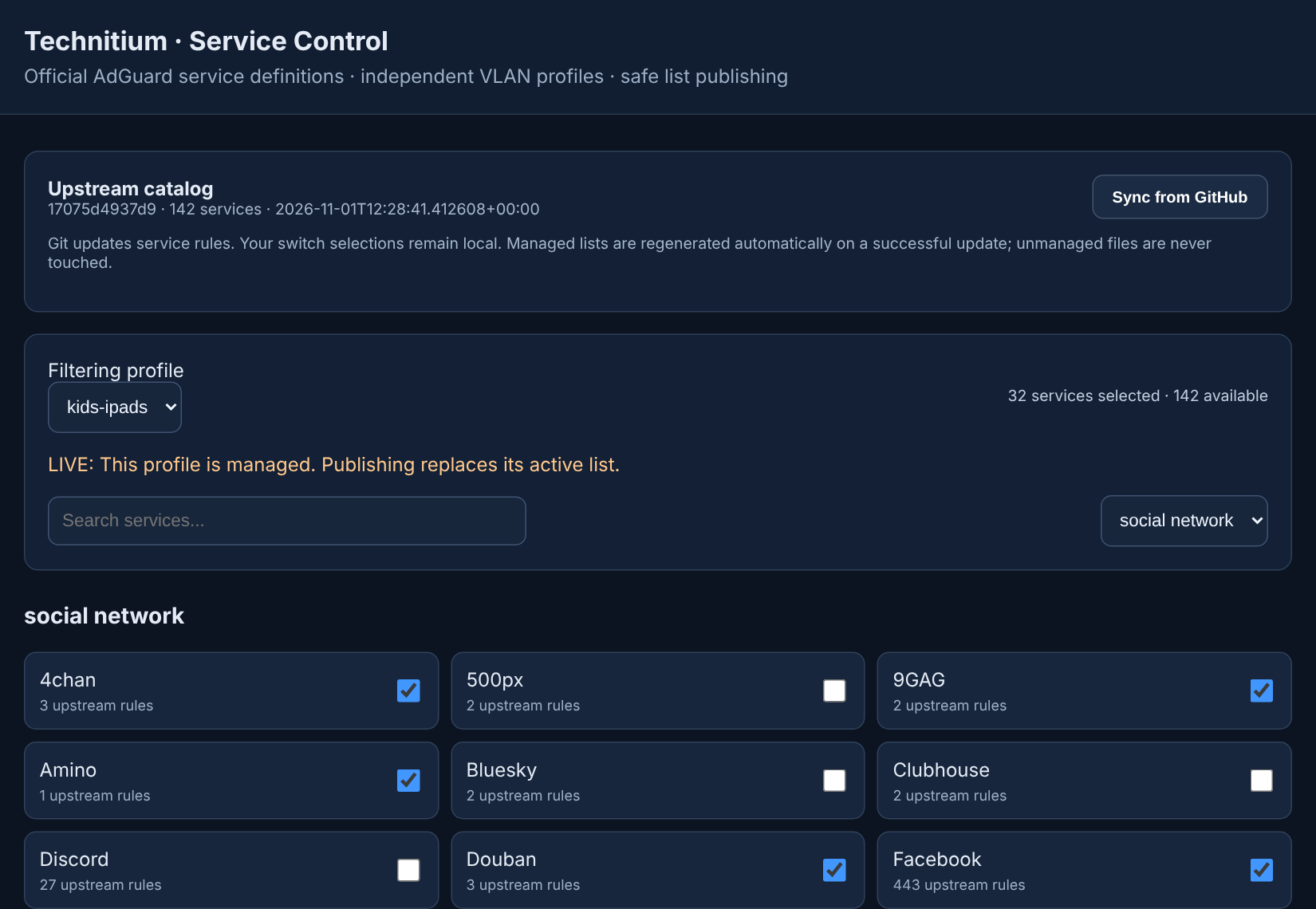 A managed profile is marked LIVE: publishing replaces its active list
 Running It
services:
  service-control:
    build: .
    container_name: technitium-service-control
    restart: unless-stopped
    environment:
      APP_ORIGIN: ${APP_ORIGIN}
      SYNC_HOURS: 24
    volumes:
      - ${LISTS_HOST_DIR}:/lists   # the folder nginx already serves
      - ${STATE_HOST_DIR}:/data    # switches, catalog, backups
    networks:
      - proxy
    security_opt:
      - no-new-privileges:true
    read_only: true
    cap_drop:
- ALL Security
What It Doesn't Do
Was It Worth It?